
Convoke is the complete continuous-play Dungeons & Dragons 5e platform, for gamers who want to play more than their calendars allow.
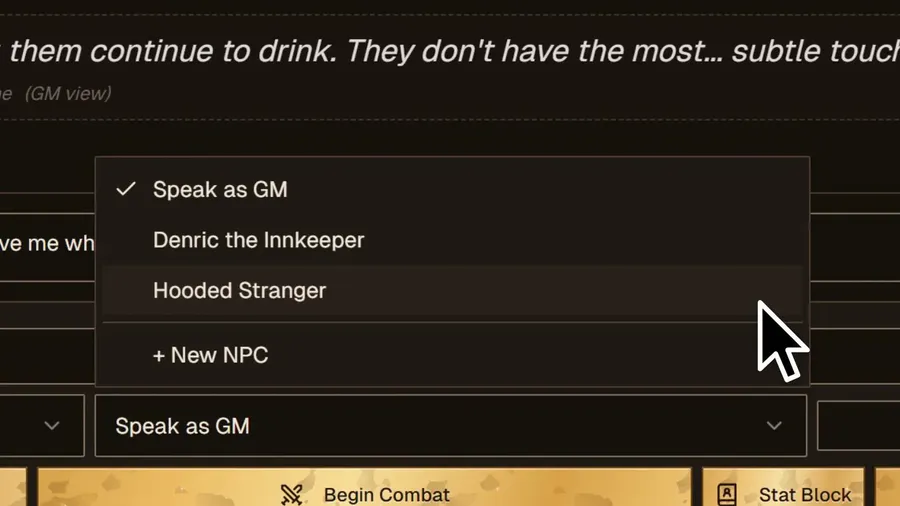
GM Chat Controls
Impersonate NPCs, prompt PC checks with push notifications, and award XP, Inspiration, and treasure — right in the chat.
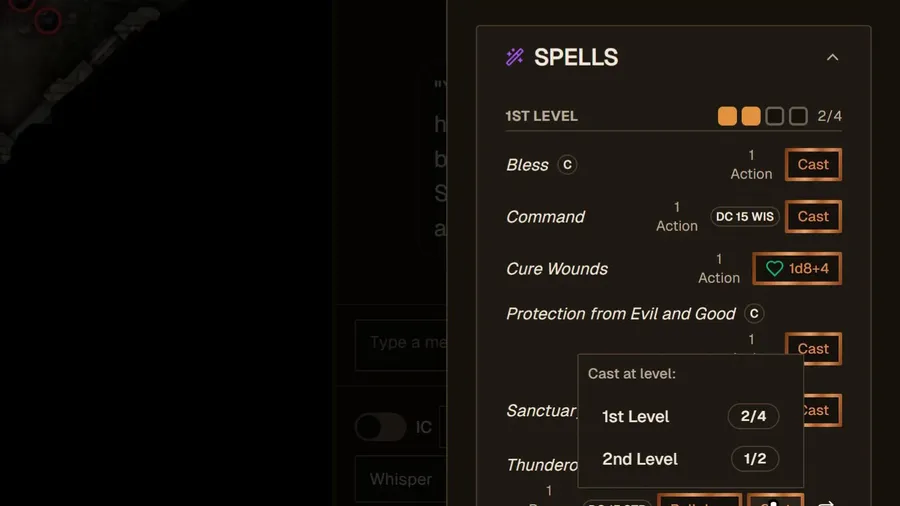
Action Sheet
The Character Sheet’s actionable functions in chat, with real-time HP and resource tracking synced to the full sheet.
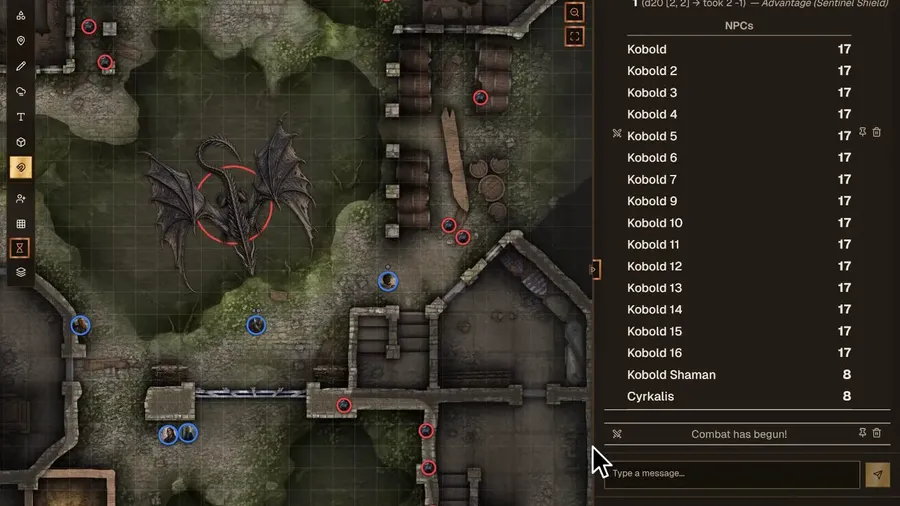
Encounters & VTT Mode
A fully integrated Encounter system with Initiative Tracker and VTT mode with full map support.
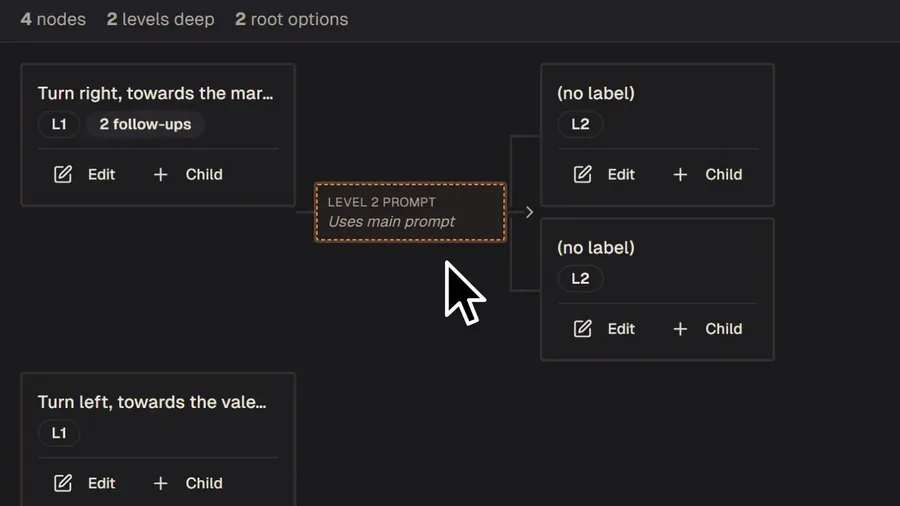
Scenarios
Nested scenarios within campaigns for splitting the party or segmenting the campaign.
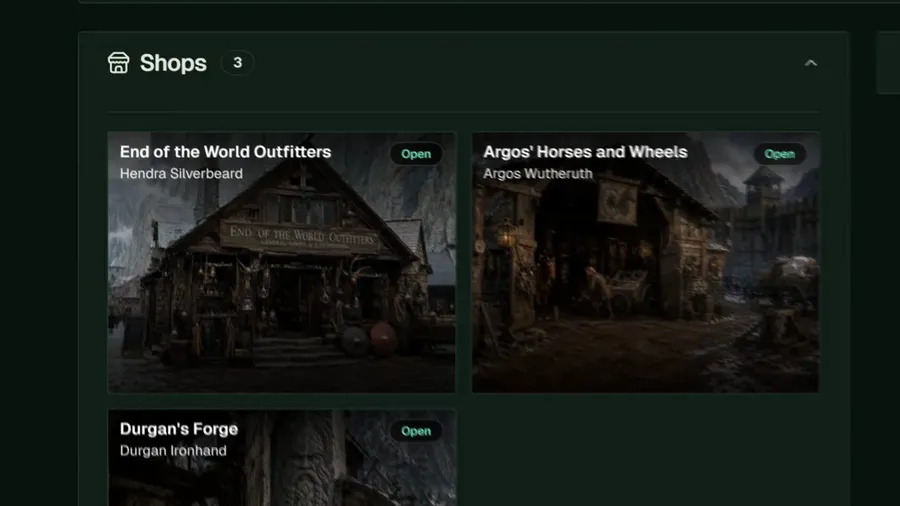
Shops
Auto- or GM-generated inventories that tie directly to the Character Sheet Inventory for buying and selling items.
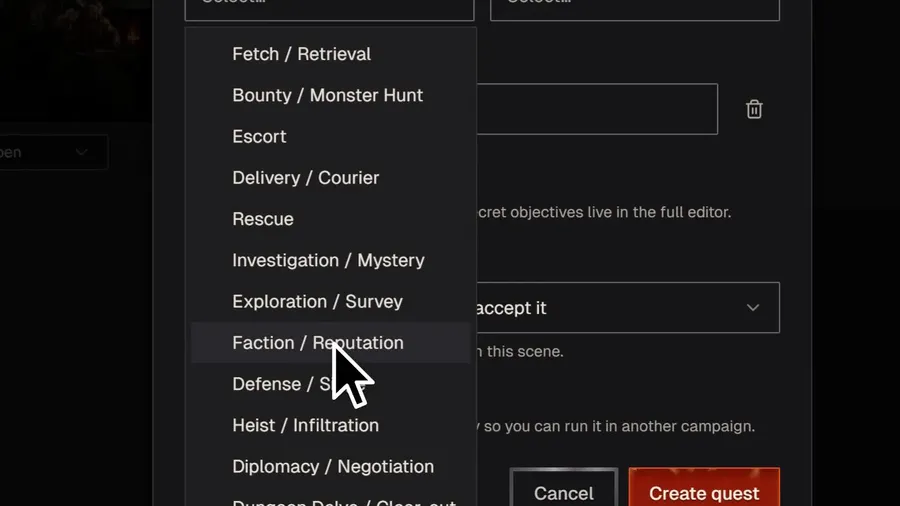
Quests
Track quest progress, rewards, and associated NPCs and encounters.
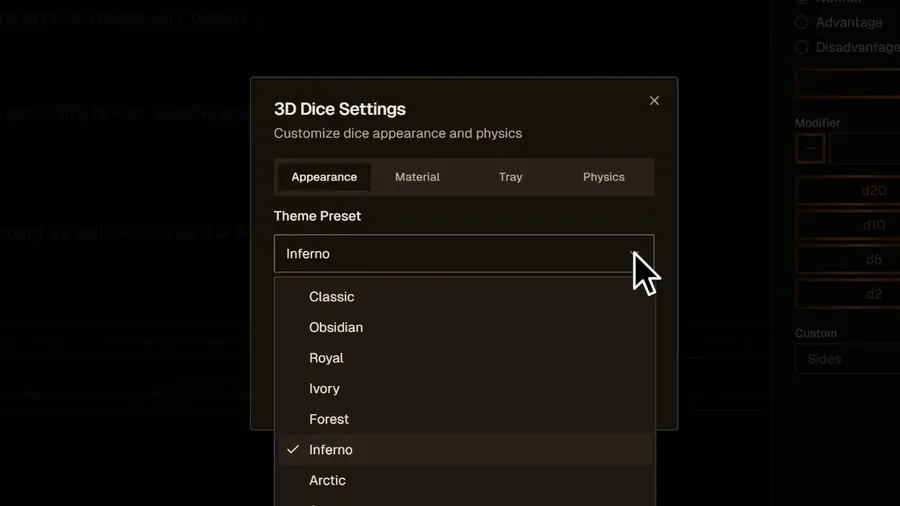
3D Dice Roller
Fully customizable in both desktop and mobile modes, for all rolls.
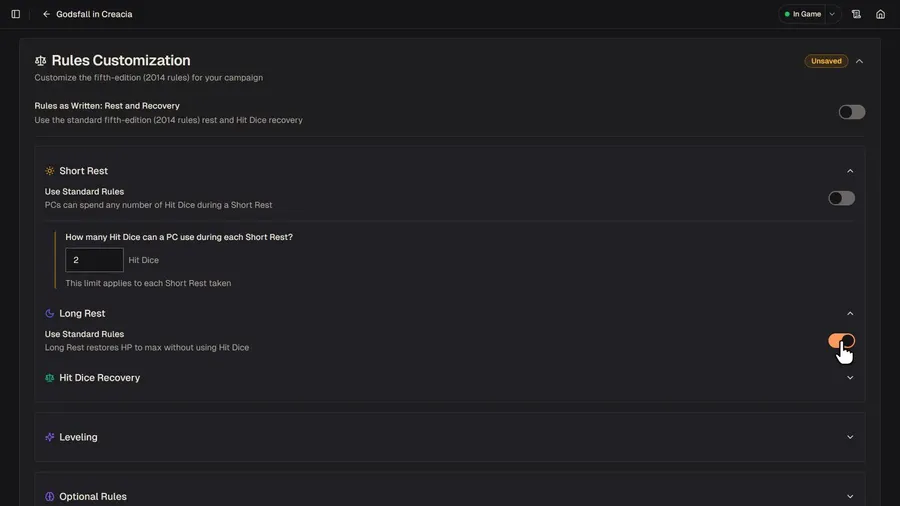
Custom Campaign Options
Per-Campaign options (such as Desperate Measures, Madness, or different rest options) that directly affect built-in Gameplay Mechanics.
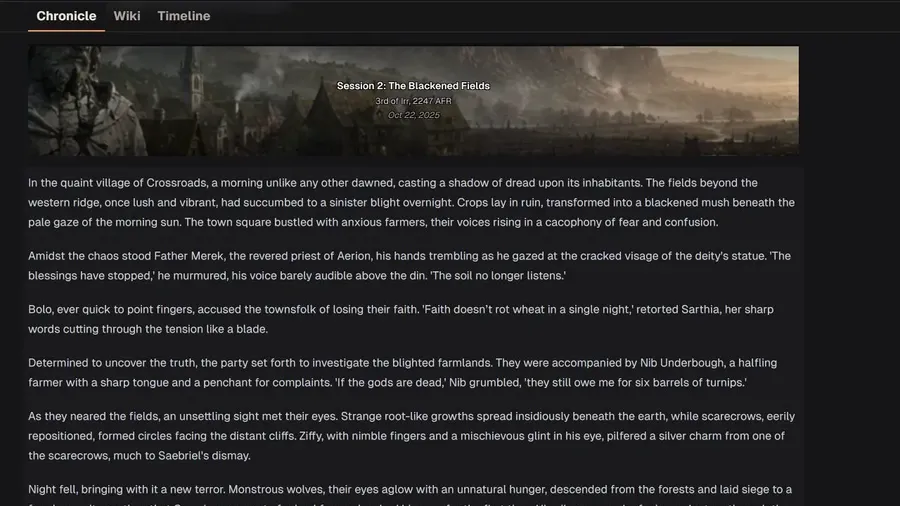
Wiki & Timeline
A self-creating and fully editable record of your campaign as it unfolds.
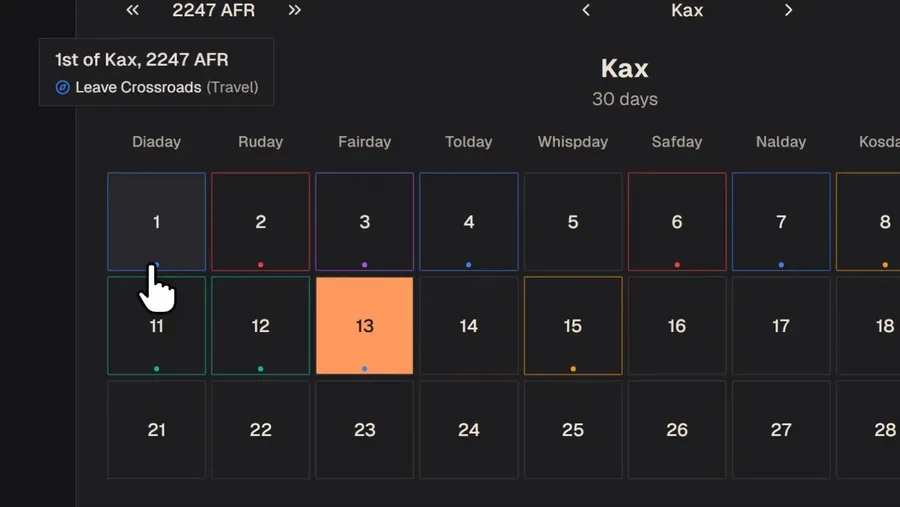
In-World Calendar
Fully customizable and integrated with the Campaign Scribe.
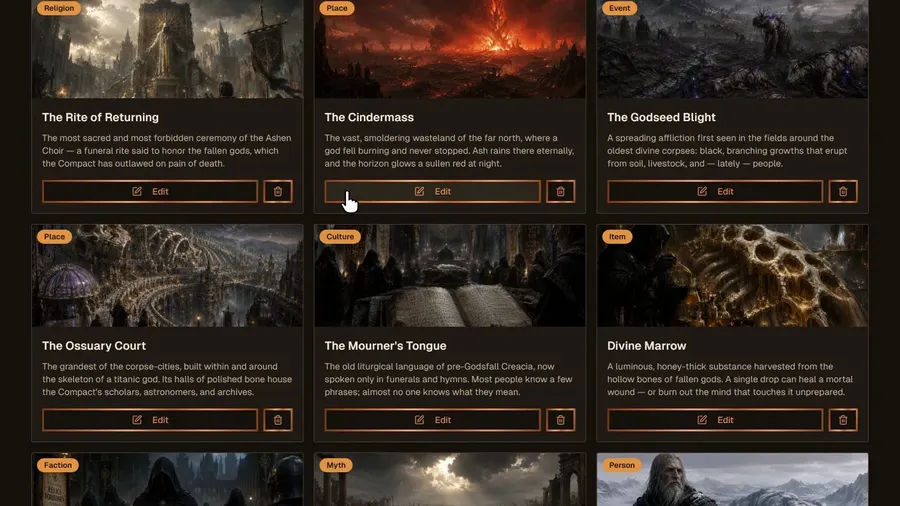
Lore & Tiers of Knowledge
Different Tiers of Knowledge per PC, linked to the Wiki and Timeline.
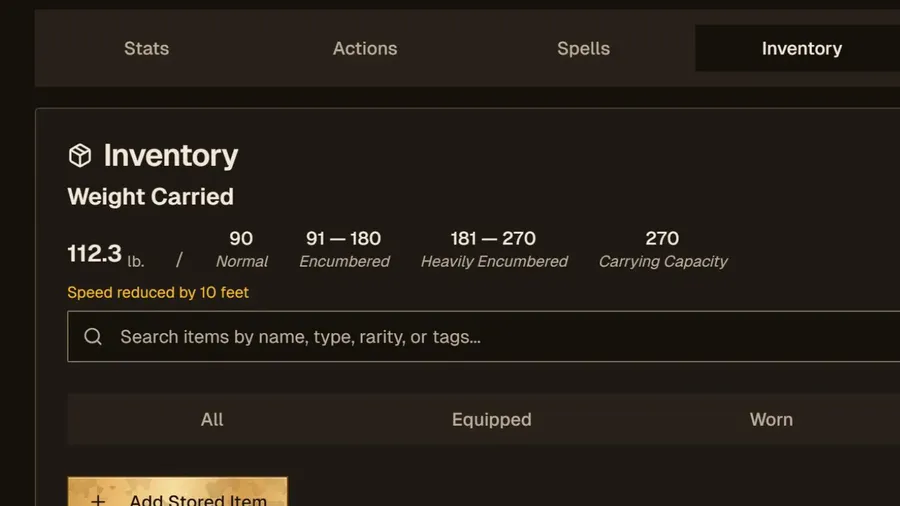
Inventory System
Innovative weight and coinage tracking, attunement, and carried vs. stored items.
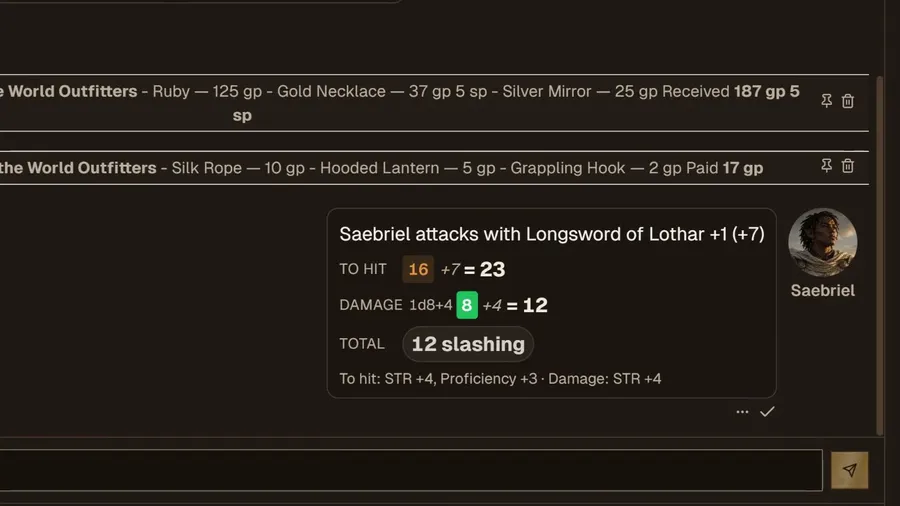
In-Chat Rolling
All checks and combat rolling integrated into chats.
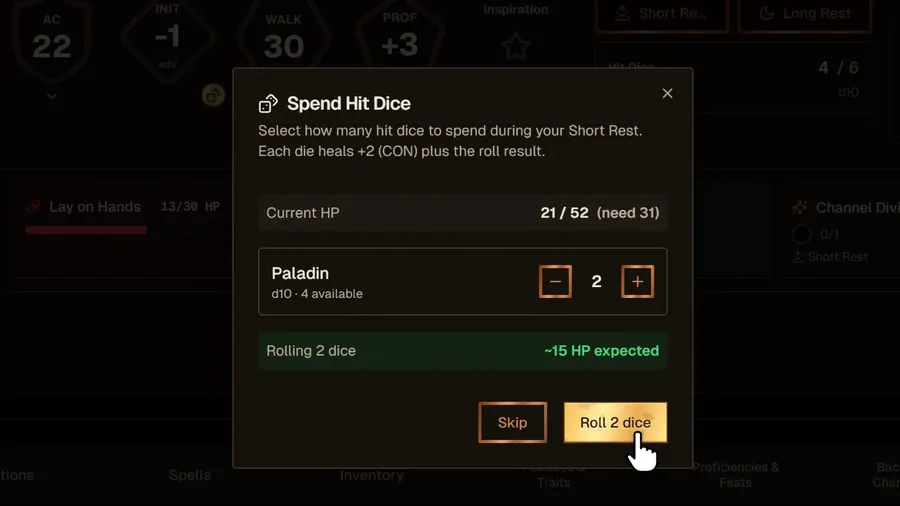
Rest & Leveling
Short/Long Rest and Leveling made easy.
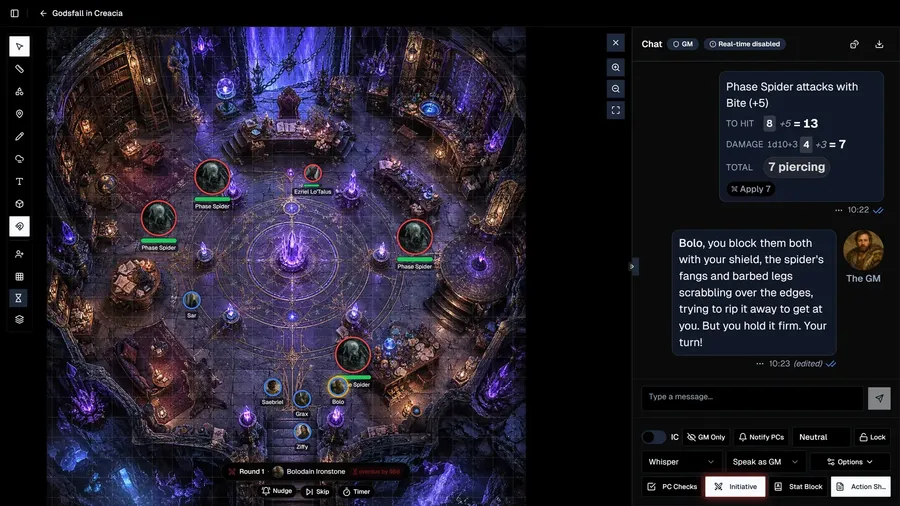
2D/3D Map Creator
Generate a map or build one by hand, then play it in 2D or tilt it into 3D.
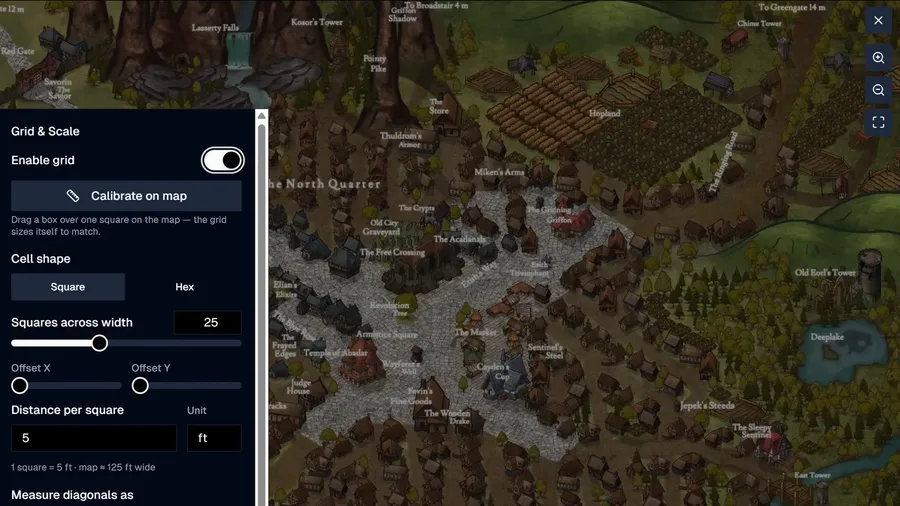
Image-Based Maps
Turn any image into a playable map with the image-based creator and editor.
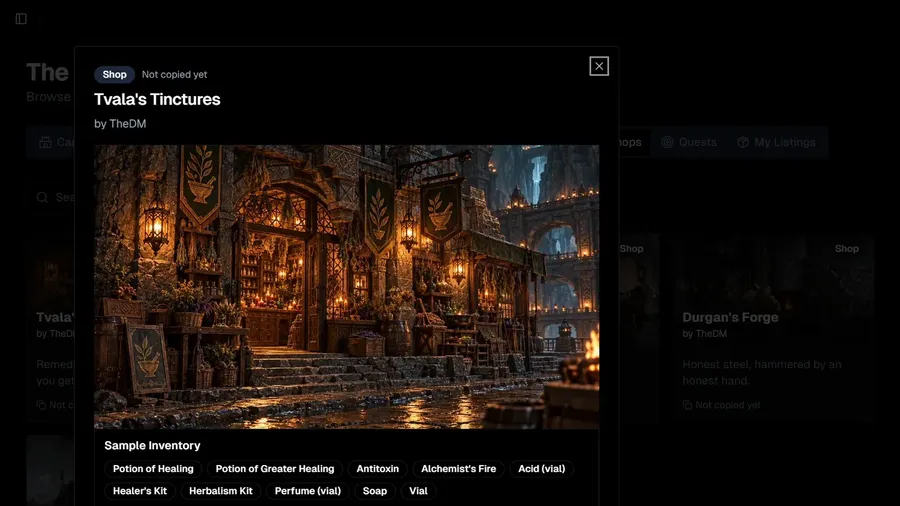
Share Your Creations
Publish homebrew Races, Subraces, Classes, Subclasses, Backgrounds, Spells & Items — and share Campaigns, Scenarios, Lore, Quests, Shops & more on the Exchange.
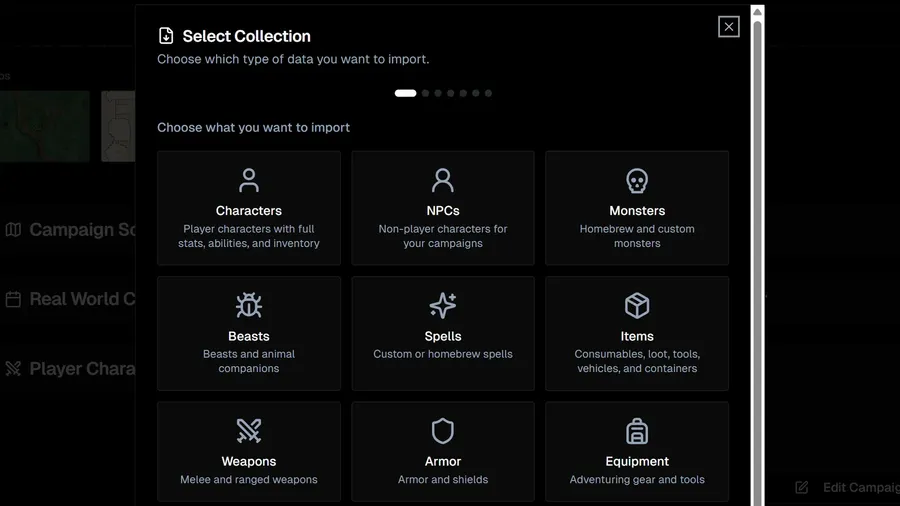
Import & Export
Import characters, NPCs and stat blocks from Foundry VTT, JSON, screenshots or pasted text — and export to JSON, Foundry VTT, CSV or PDF.
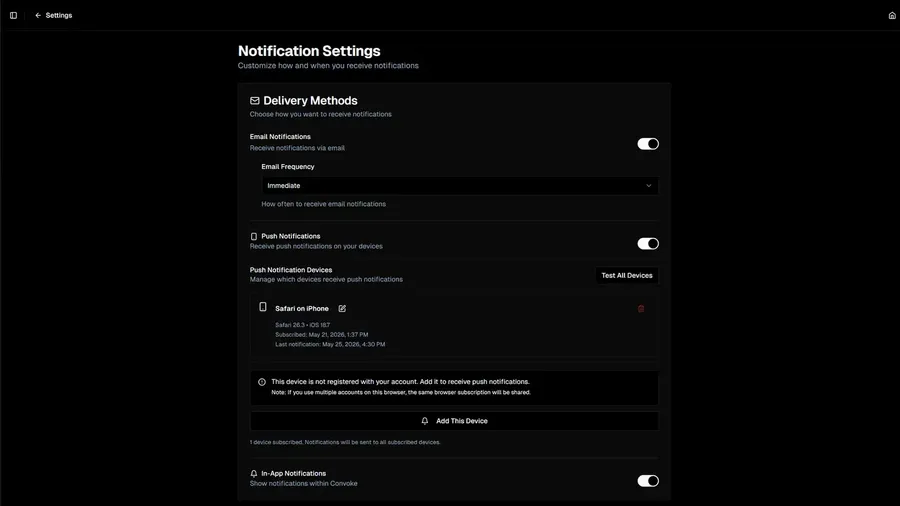
Push Notifications
Push alerts for DMs and @mentions, PC checks, your turn in combat, and session calls — you pick which, with Quiet Hours.
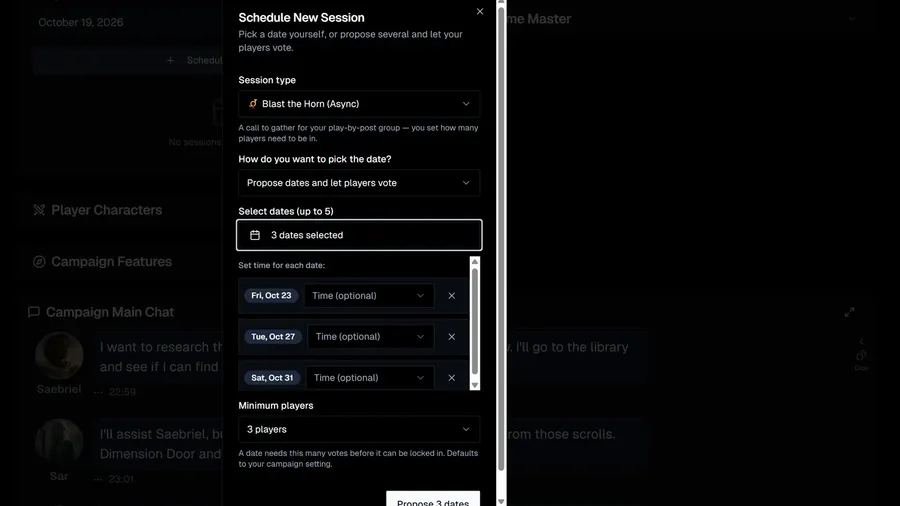
Session Scheduling
Schedule live sessions, or Blast the Horn: propose up to five dates, let players vote, and lock in the winner.
Progressive Web App
Convoke is a Progressive Web App — install it on iOS, Android, Windows, or Mac straight from the browser, no app store needed.
Looking for Group
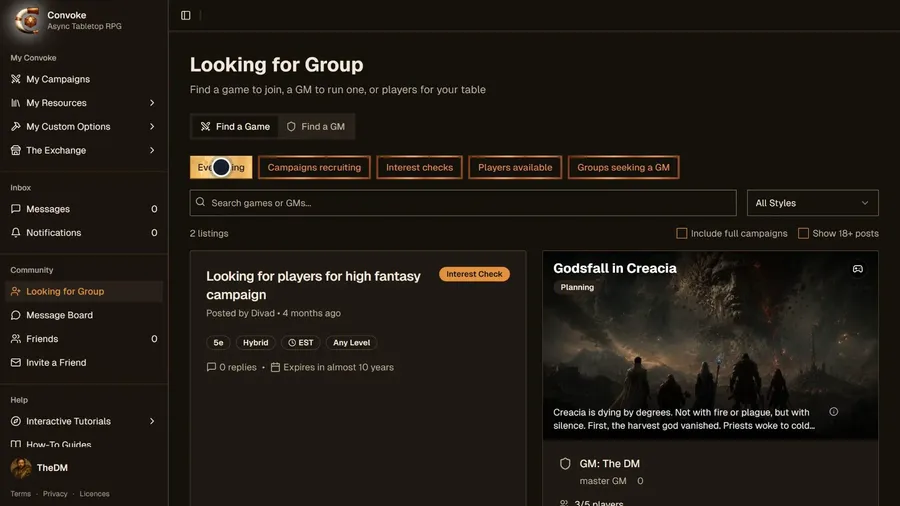
Find a game, a GM, or players for your table.
Hire-a-GM
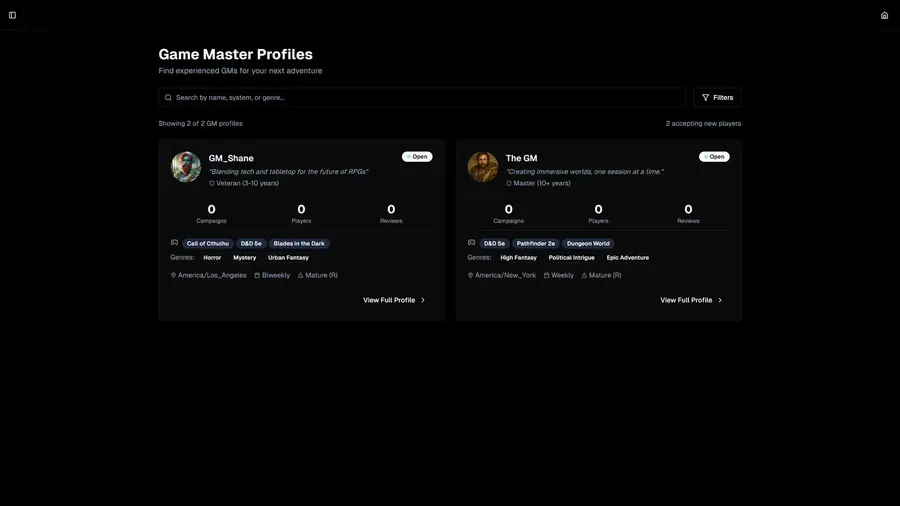
Browse GM profiles and player reviews today. Paid sessions with professional GMs are coming soon.
World Table
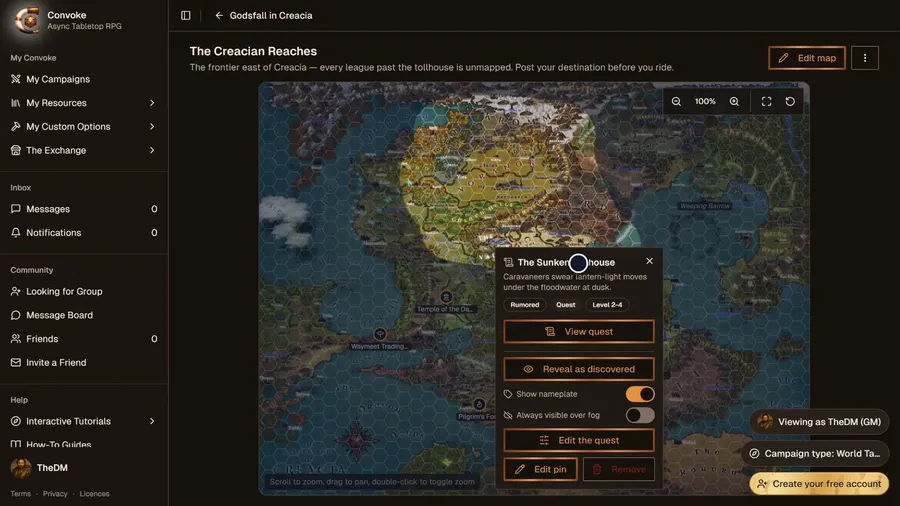
West Marches–style open-table campaigns: player-formed parties, a shared overworld map, and quest votes.
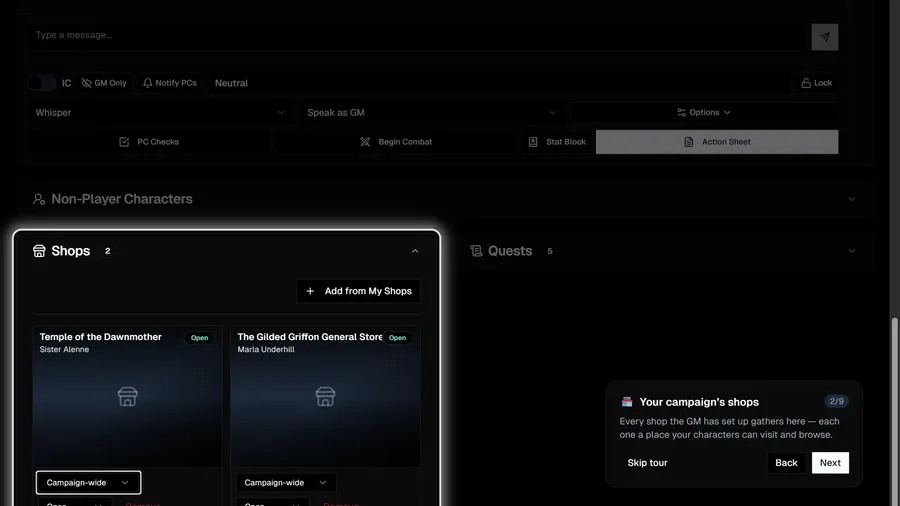
Shops
Guided walkthrough of a campaign’s shops — visiting and buying.
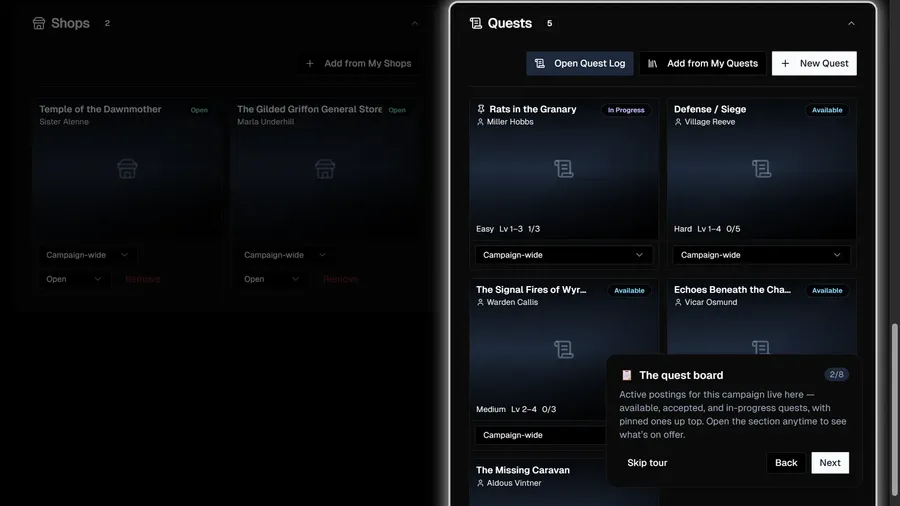
Quests
Guided walkthrough of the campaign quest board.
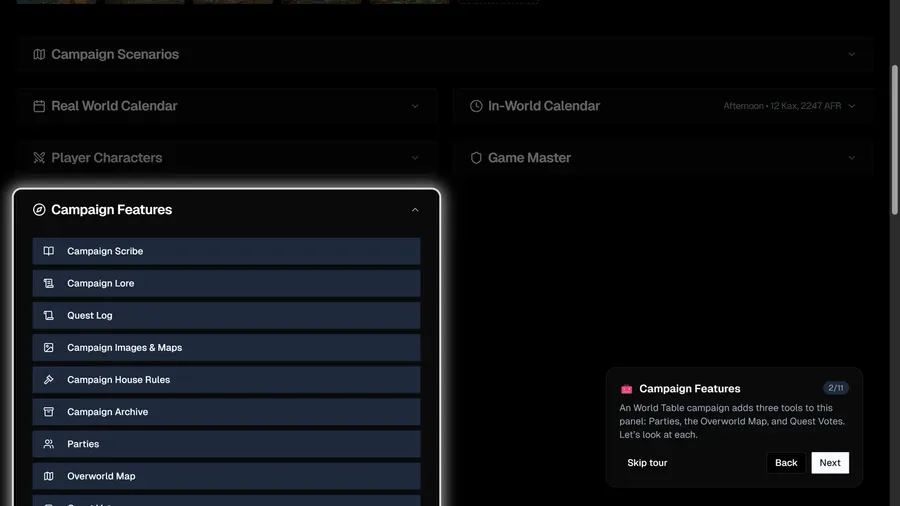
World Table
Guided walkthrough of World Table — parties, overworld, and quest votes.
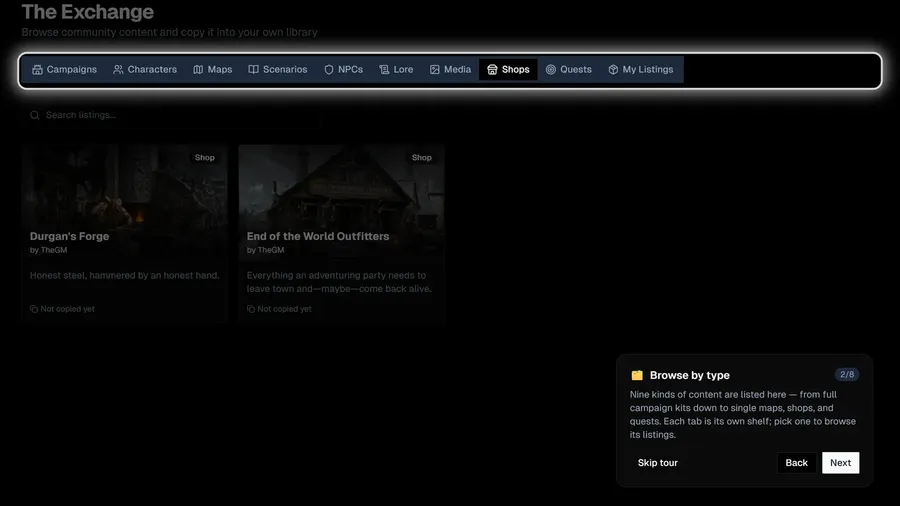
Exchange
Guided walkthrough of the Exchange — browsing, previewing, and copying community content.
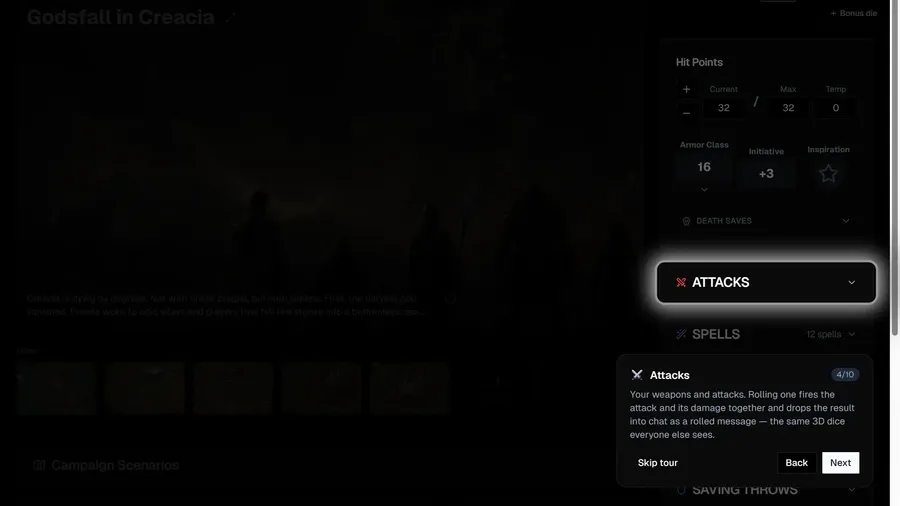
Action Sheet
Guided walkthrough of the Action Sheet — rolling, casting, spending features, and resting from chat.
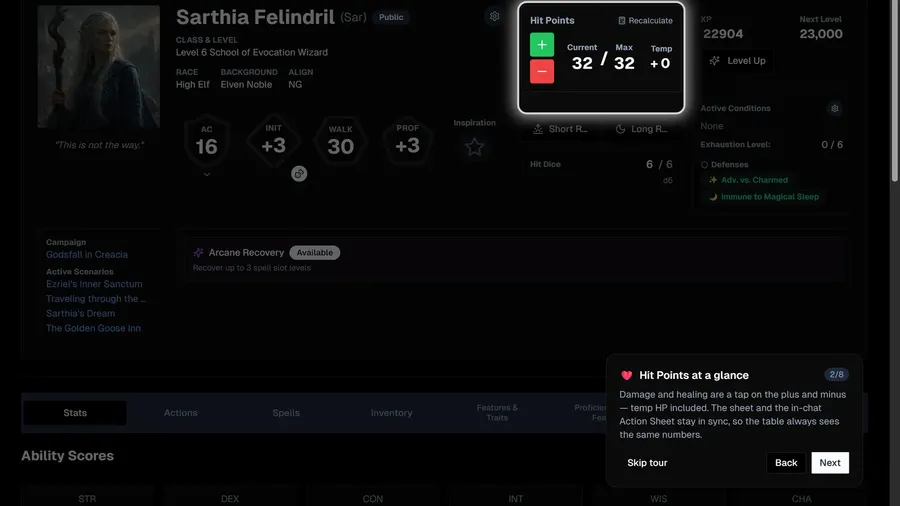
Character Sheet
Guided walkthrough of the Character Sheet — vitals, rests, leveling, rolling, and inventory.
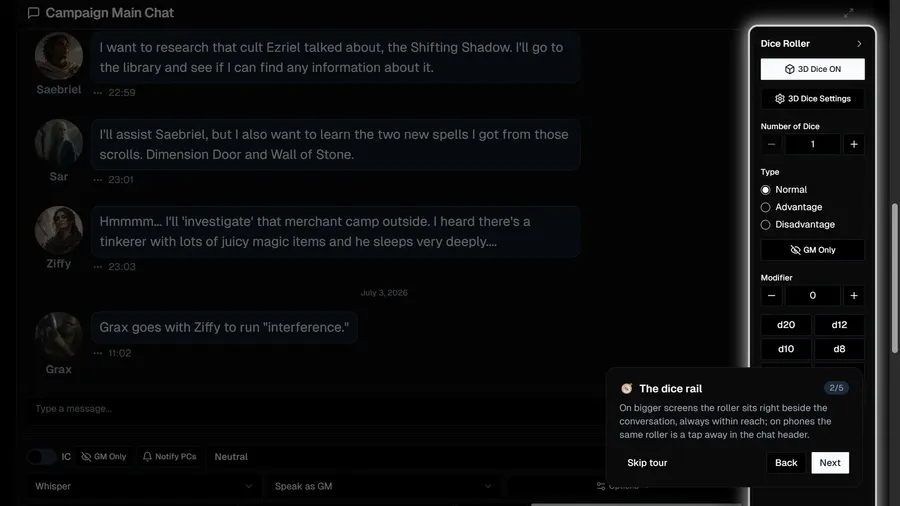
3D Dice Roller
Guided walkthrough of the 3D dice — quick dice, advantage, and themes.
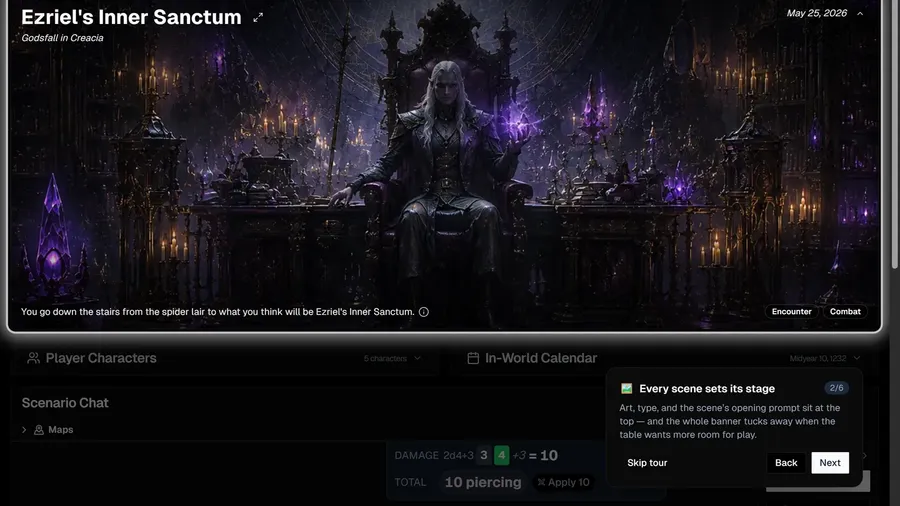
Scenarios
Guided walkthrough of scenario play — scenes, decision nodes, and parallel branches.
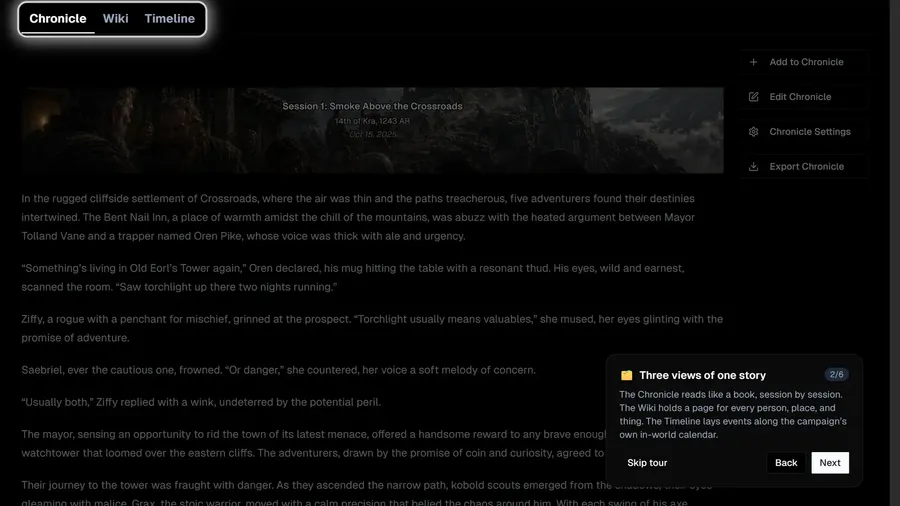
Campaign Scribe
Guided walkthrough of the Campaign Scribe — chronicle, wiki, and timeline.
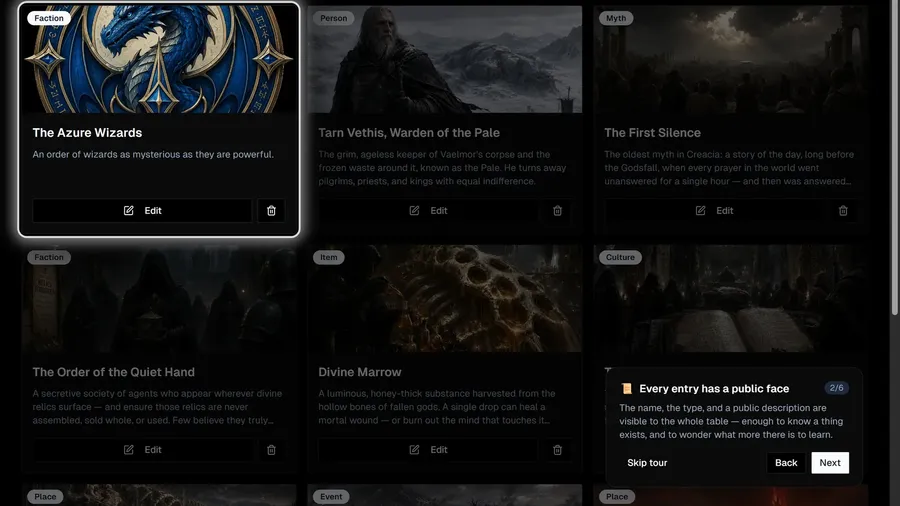
Lore & Tiers
Guided walkthrough of campaign Lore — public knowledge and tiers of hidden truth.
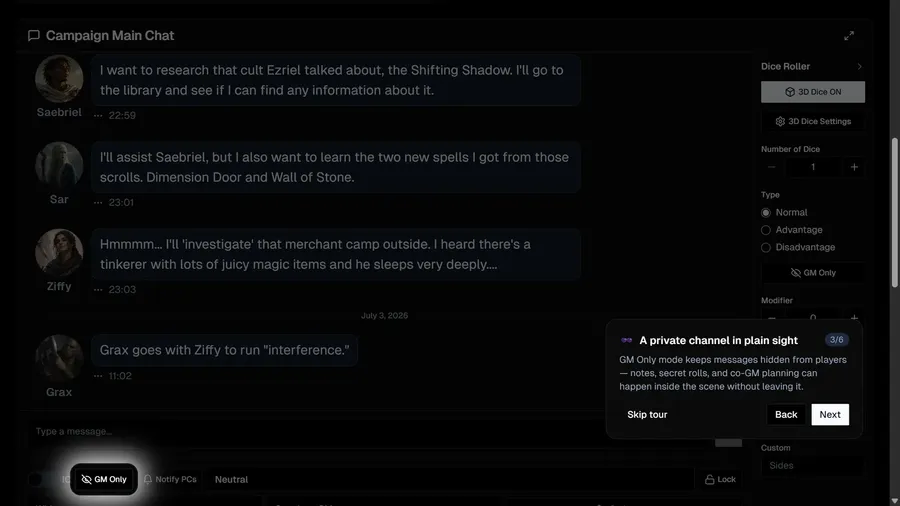
GM Chat Controls
Guided walkthrough of the GM’s in-chat tools — voices, private messages, checks, and awards.
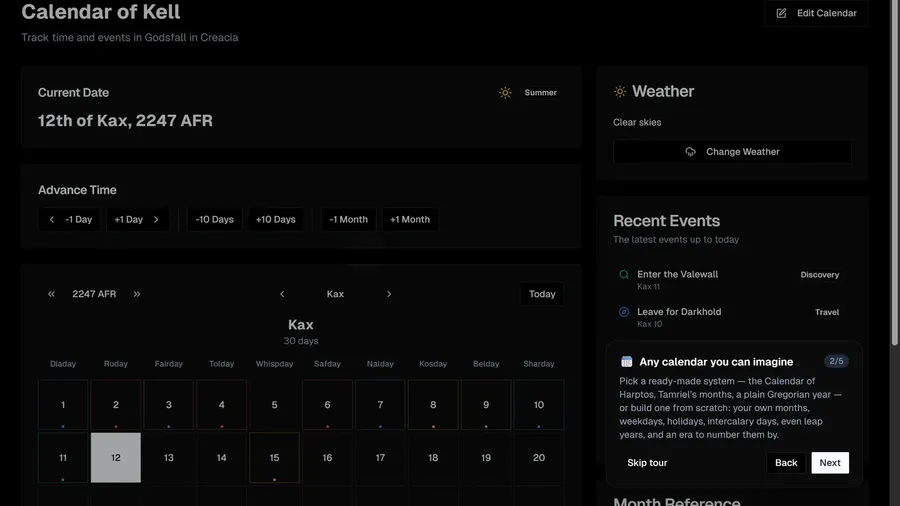
In-World Calendar
Guided overview of the in-world calendar — custom systems, story dates, and the passage of time.
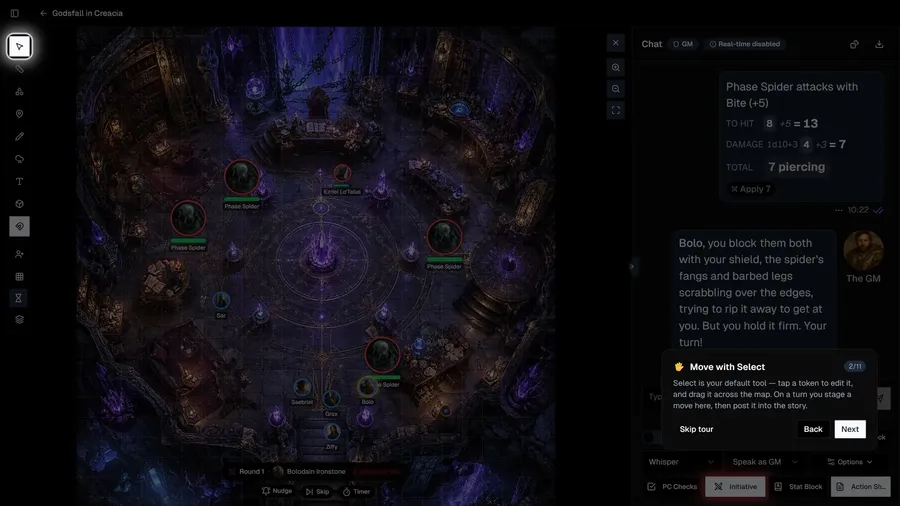
VTT Mode
Guided walkthrough of the virtual tabletop — tokens, measuring, fog of war, and turn-by-post combat.
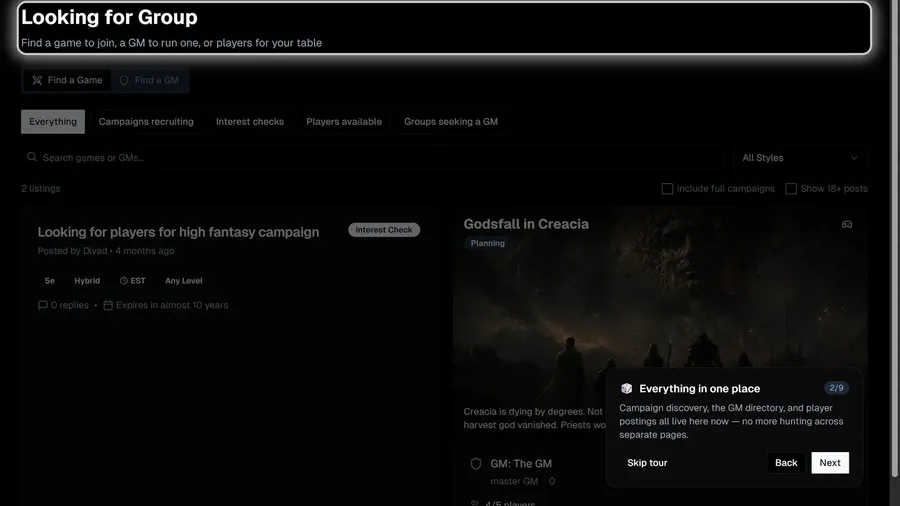
Looking for Group
Guided walkthrough of Looking for Group — finding a game, a GM, or players for your table.